Introduction
You do not need a budget to create a professional coming soon page. Several tools offer free tiers that include templates, email capture, custom domains, and even code export—enough to launch a real pre-launch campaign without spending a dollar.
But "free" comes with trade-offs. Some tools plaster their branding on your page. Others limit you to a subdomain or strip out key features like countdown timers and analytics. Knowing what each free tier actually includes—and where the walls are—saves you from starting on the wrong tool and having to migrate later.
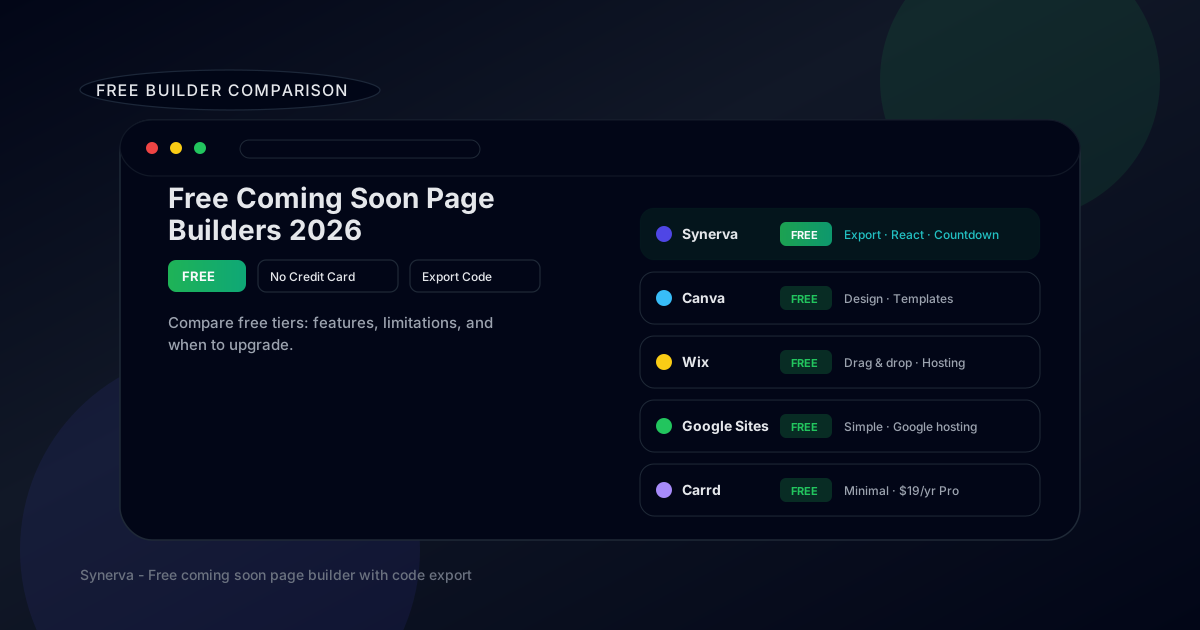
In this guide, we compare the best free coming soon page builders in 2026: Synerva, Canva, Wix, Google Sites, and Carrd. We break down exactly what you get for free, what the limitations are, and when it makes sense to upgrade. If you are a developer or startup founder launching on a budget, this is the guide for you.
Free Coming Soon Page Builders Comparison
Here is a side-by-side comparison of what each tool offers on its free plan. Scroll down for detailed reviews.
| Builder | Free Tier | Templates | Export Code | Countdown | Email Capture | Limitations |
|---|---|---|---|---|---|---|
| Synerva | ✓ Yes | 10+ | ✓ React, Next.js | ✓ Built-in | ✓ Yes | Synerva badge |
| Canva | ✓ Yes | 100+ | ✗ No | ✗ No | Limited | Design only, limited interactivity |
| Wix | ✓ Yes | 800+ | ✗ No | ✓ App | ✓ Yes | Wix ads, subdomain only |
| Google Sites | ✓ Yes | 10+ | ✗ No | ✗ No | Via embed | Very basic design, Google branding |
| Carrd | ✓ Yes | 80+ | ✗ No | ✗ Pro only | ✗ Pro only | 3 pages, Carrd subdomain |
Detailed Reviews of Free Tools
Below is a detailed breakdown of each free tool—what you actually get, where the limits are, and who each tool works best for.
1. Synerva: Best Free for Developers
Synerva offers a free tier designed to let developers and startups build a complete coming soon page without a credit card.
What's included in free:
- Access to the full visual editor and template library.
- Built-in countdown timer, email signup forms, and social proof blocks.
- Code export to React, Next.js, and Angular components.
- Hosted URL for immediate publishing.
- Basic analytics (page views, signups).
Limitations:
- Synerva badge on the published page (removed on paid plans).
- Hosted on a Synerva subdomain (custom domains on paid plans).
When to upgrade: When you need a custom domain, want to remove branding, or need advanced analytics and integrations. The paid plans are affordable and straightforward.
Best for: Developers and technical founders who want code export, framework support, and a real coming soon page without spending money upfront. For a full walkthrough, see our step-by-step guide to creating a coming soon page.
2. Canva: Best for Design
Canva is primarily a design tool, but its website builder feature lets you create simple pages—including coming soon pages—using Canva's drag-and-drop editor and template library.
Free features:
- 100+ website templates (some suitable for coming soon pages).
- Drag-and-drop visual editor with Canva's design tools.
- Free hosting on a Canva subdomain.
- Mobile-responsive layouts.
Limitations:
- No countdown timer functionality.
- No code export—your page lives on Canva.
- Limited interactivity (no custom JavaScript).
- Email capture requires third-party embed or form integration.
- No custom domain on the free plan.
Best for: Non-technical users who want a visually polished page quickly. Canva excels at design but lacks the launch-specific features (countdown, email capture, analytics) that dedicated coming soon builders offer.
3. Wix: Best for Beginners
Wix is one of the most popular website builders in the world, and its free plan is surprisingly capable for coming soon pages.
Free features:
- 800+ templates including coming soon and under construction pages.
- Powerful drag-and-drop editor with hundreds of design elements.
- Built-in email capture forms and contact forms.
- App market with countdown timer widgets.
- Free hosting with SSL.
Limitations:
- Wix ads displayed on your free page—looks unprofessional.
- Subdomain only (yoursite.wixsite.com)—no custom domain.
- No code export. You are locked into the Wix platform.
- Page speed can be slow compared to static pages.
- 500MB storage and 500MB bandwidth limits.
Best for: Absolute beginners who need the most hand-holding. Wix's editor is intuitive, but the ads and subdomain on the free plan make it hard to look professional.
4. Google Sites: Best for Simplicity
Google Sites is a completely free page builder that is part of Google Workspace. It is extremely simple—almost to a fault.
Free features:
- 100% free with no paid tiers or upsells.
- Simple editor that anyone can use immediately.
- Hosted on Google infrastructure (reliable, fast CDN).
- Can connect to Google Forms for email capture.
- Custom domain support (via Google Workspace).
Limitations:
- Very basic design capabilities—limited fonts, layouts, and styling.
- No built-in countdown timer.
- No email capture without embedding Google Forms.
- Google branding in the footer.
- No code export, no JavaScript, no custom CSS.
- Pages look generic and template-y.
Best for: Internal team pages, very early validation, or situations where design does not matter at all. Not recommended for public-facing coming soon pages where first impressions count.
5. Carrd: Best for Minimalists
Carrd is a lightweight single-page builder popular with indie hackers. Its free plan is limited but functional for a basic coming soon page.
Free features:
- Up to 3 pages on a Carrd subdomain.
- 80+ clean, modern templates.
- Simple editor that is fast to learn.
- Mobile-responsive output.
Limitations:
- No email capture on free plan (Pro only).
- No countdown timer on free plan (Pro only).
- No custom domain on free plan.
- No code export at all.
- Carrd branding on free pages.
Best for: Minimalists who want a clean, no-frills page. But the lack of email capture on the free plan is a major limitation—the whole point of a coming soon page is to collect emails. Upgrading to Pro ($19/year) unlocks forms and custom domains.
Synerva Free Tier: What You Get
Synerva's free tier is designed to be genuinely useful—not a crippled demo that forces you to upgrade before you can do anything meaningful.
Features included:
- Full visual editor. No feature gating in the editor itself. You get the same drag-and-drop experience as paid users.
- Template library. Browse and use all coming soon templates—startup, SaaS, app launch, and more.
- Code export. Export your page as a React, Next.js, or Angular component. The exported code is clean, typed, and production-ready.
- Countdown timer. Built-in timer block with customizable design and timezone support.
- Email capture. Collect signups with built-in forms. Connect to your email provider via webhook or direct integration.
- Hosted publishing. Publish instantly on a Synerva-hosted URL. Share it immediately while your custom domain is being set up.
Customization: Change colors, fonts, layouts, copy, and imagery. Add social links, testimonials, and feature previews. The free tier does not restrict design options.
Upgrade path: When you are ready, paid plans add custom domains, remove Synerva branding, unlock advanced analytics, and provide priority support. The upgrade is seamless—no data loss, no re-building.
When Should You Upgrade?
Free tools are perfect for getting started, but there comes a point where upgrading delivers clear ROI. Here is how to think about it:
Upgrade when you need a custom domain. A subdomain (yourpage.synerva.app) is fine for testing, but a custom domain (coming-soon.yourproduct.com) looks professional and builds trust. If you are driving real traffic—from ads, social media, or press—use your own domain.
Upgrade when branding matters. Third-party badges ("Made with Synerva" or "Powered by Wix") signal that you are using a free tool. For a SaaS launch targeting developers or enterprise buyers, clean branding matters.
ROI calculation. If your coming soon page collects 500 emails and 2% convert to paying customers at $29/month, that is $290/month in revenue from 10 customers. A $15–30/month builder subscription pays for itself with a single conversion. The math almost always favors upgrading once you have real traffic.
Use cases by tier:
- Free tier: Side projects, validation experiments, internal tools, learning.
- Basic paid: Startup launches, product pre-launches, early-stage SaaS.
- Pro paid: Multiple projects, advanced analytics, team collaboration, priority support.
Free vs Paid: Feature Comparison
Here is a summary of what you gain when upgrading from free to paid across all five builders:
| Feature | Free (typical) | Paid (typical) |
|---|---|---|
| Custom domain | ✗ Subdomain only | ✓ Your domain |
| Third-party branding | Visible | ✓ Removed |
| Analytics | Basic or none | ✓ Advanced |
| Email integrations | Limited | ✓ Full access |
| Support | Community | ✓ Priority |
| Code export (Synerva) | ✓ Included | ✓ Included |
The biggest advantage of Synerva's free tier is that code export is included for free. Most builders either do not offer export at all or gate it behind expensive plans. With Synerva, you get the code from day one.
Frequently Asked Questions
Is Synerva really free?
Yes. Synerva's free tier includes the full visual editor, templates, countdown timers, email capture, and code export. The free plan uses a Synerva-hosted URL and includes a small Synerva badge. No credit card required.
What is the best free coming soon page builder?
For developers, Synerva is the best free option because it includes code export and framework support. For non-technical users, Wix offers the most features on its free plan, though with ads and a subdomain. See our full builder comparison for more details.
Can I use a custom domain on a free plan?
Google Sites supports custom domains through Google Workspace. Most other free plans (Synerva, Canva, Wix, Carrd) require a paid plan for custom domains. The workaround is to use the free plan for building and testing, then upgrade when you are ready to go public.
Should I pay for a coming soon page builder?
Start free to validate your idea and test your messaging. Upgrade when you need a custom domain, want to remove third-party branding, or are driving real traffic. The ROI is almost always positive if your page generates signups.
Start Free with Synerva — No Credit Card Required
A free coming soon page builder is the fastest way to start building your audience before launch. You can create a professional page, collect emails, and validate demand—all without spending a dollar.
Among the free options, Synerva stands out for developers: it is the only builder that includes code export (React, Next.js, Angular) on the free tier. Build visually, export clean code, and deploy wherever you want. Learn how to create a coming soon page in our step-by-step guide.
Start free with Synerva — no credit card required. Choose a template, customize in the visual editor, add a countdown timer and email form, and publish in minutes.